DialApp Mobile App – Feature Screenshots
Explore the main features and workflows of the DialApp mobile application with real screenshots and descriptions.
1
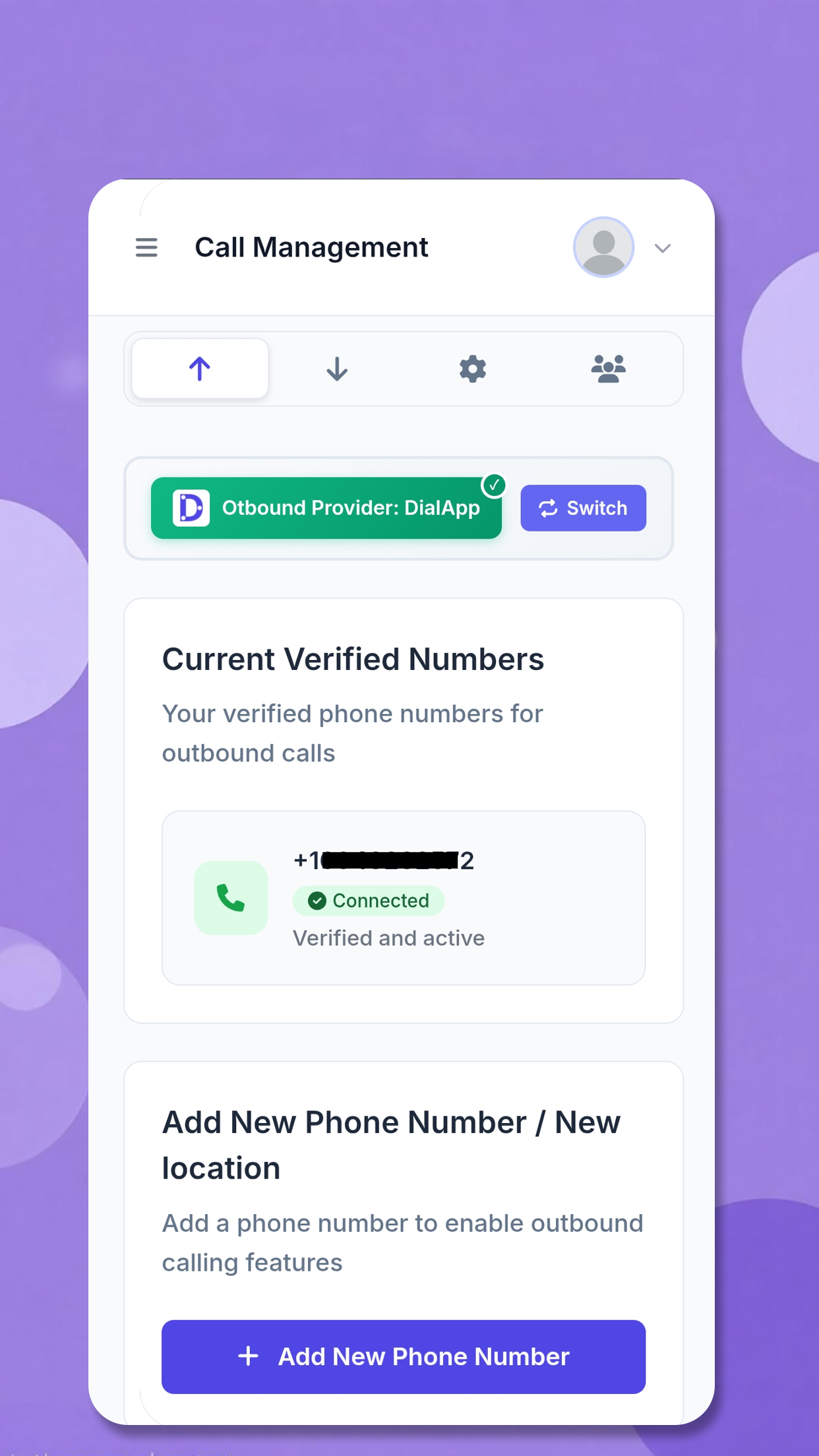
Outbound Call Management
Easily manage all your outgoing calls. Add new numbers, view recent calls, and initiate calls with a single tap. Designed for speed and efficiency in busy clinical and pharmacy environments.
2
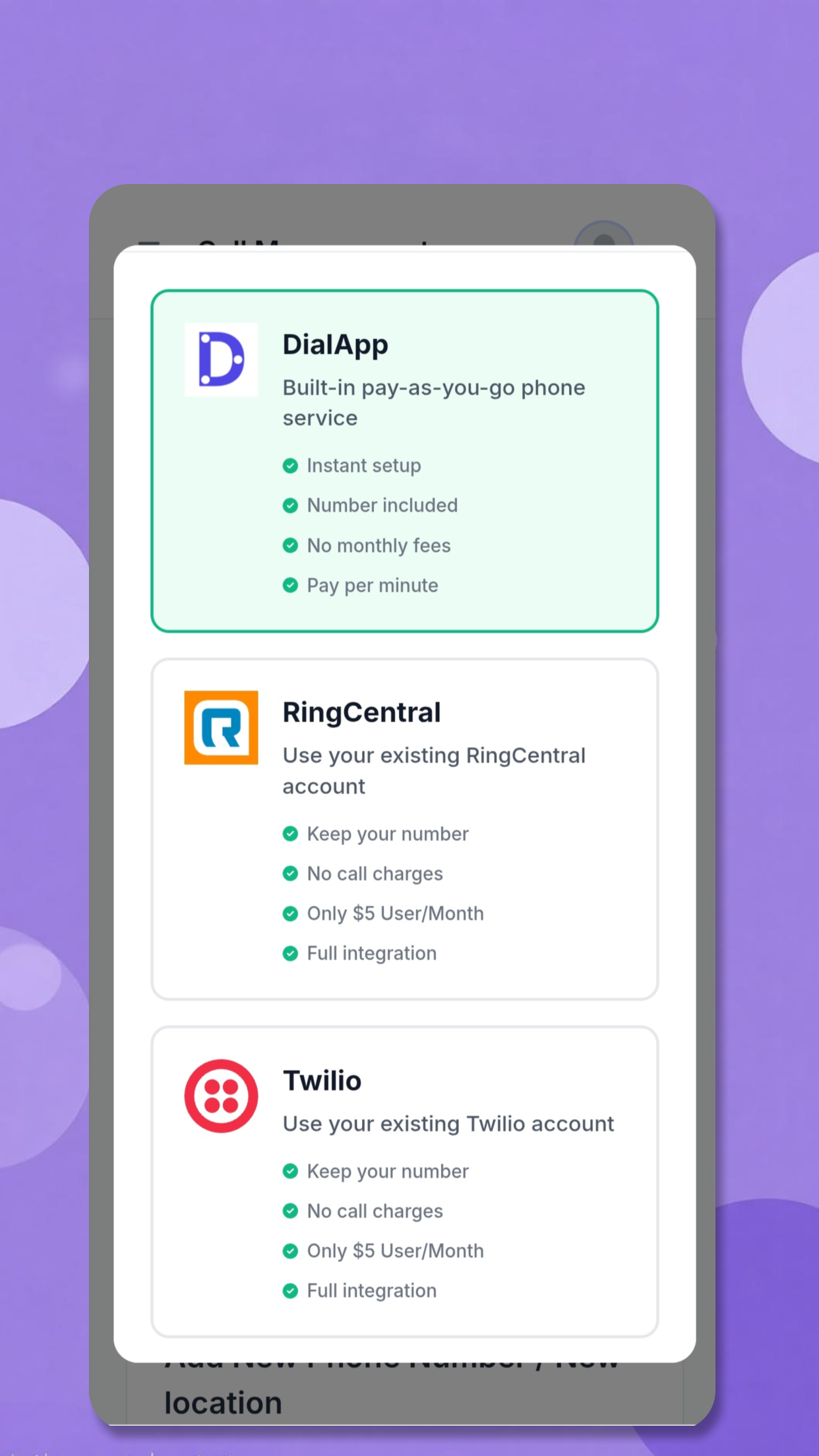
Switch Between Providers
Seamlessly switch between multiple configured VoIP providers. Instantly select the desired provider for each call, ensuring flexibility and reliability for your communication needs.
3
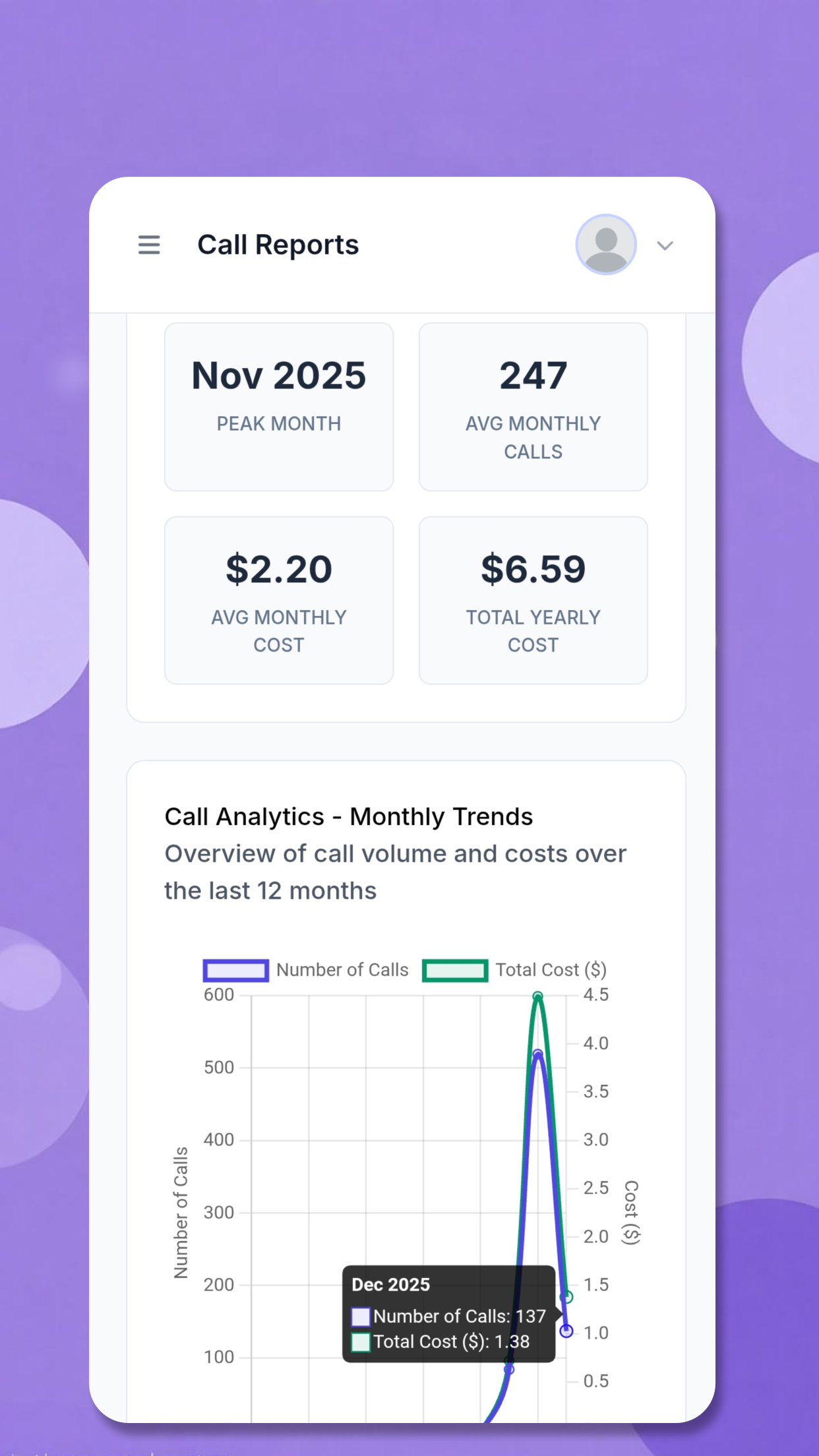
Call Analytics & Insights
Access detailed analytics for all your calls. Track call durations, outcomes, and trends over time to optimize workflows and improve patient engagement.
4
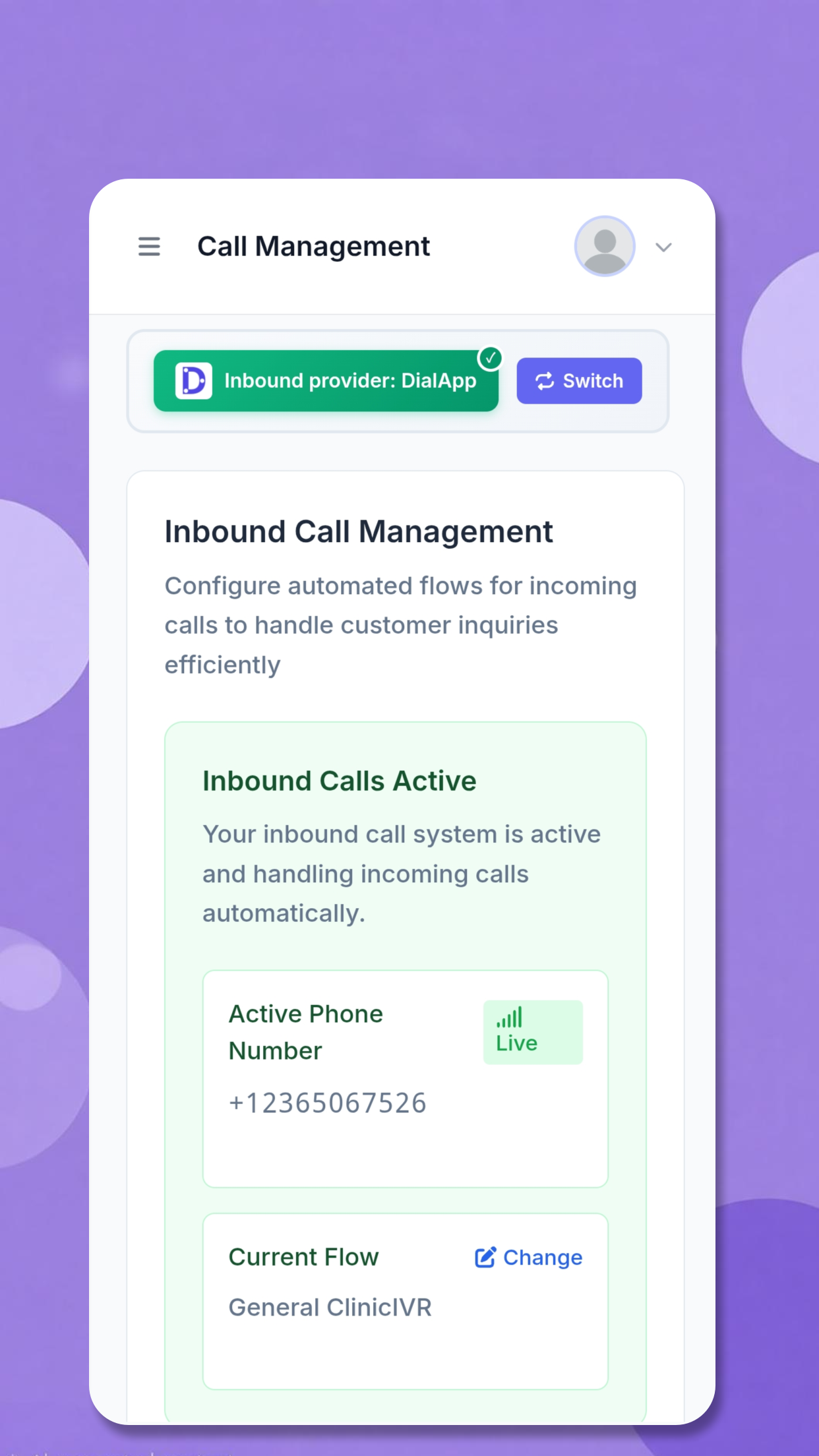
Inbound Call Routing
Manage inbound calls to your dedicated numbers. Define custom flows to automatically route incoming calls to the right department or workflow, enhancing patient experience and operational efficiency.
5
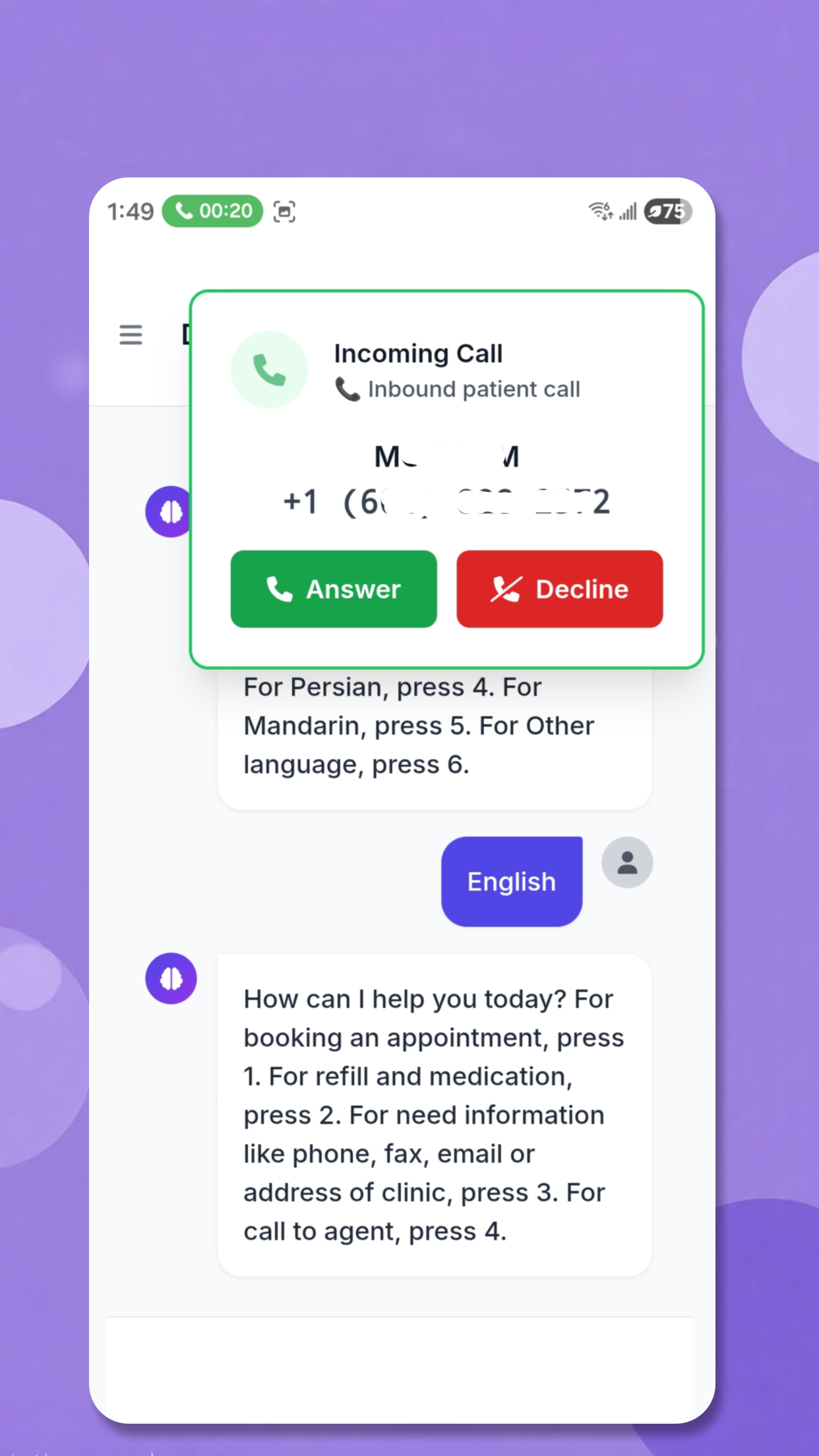
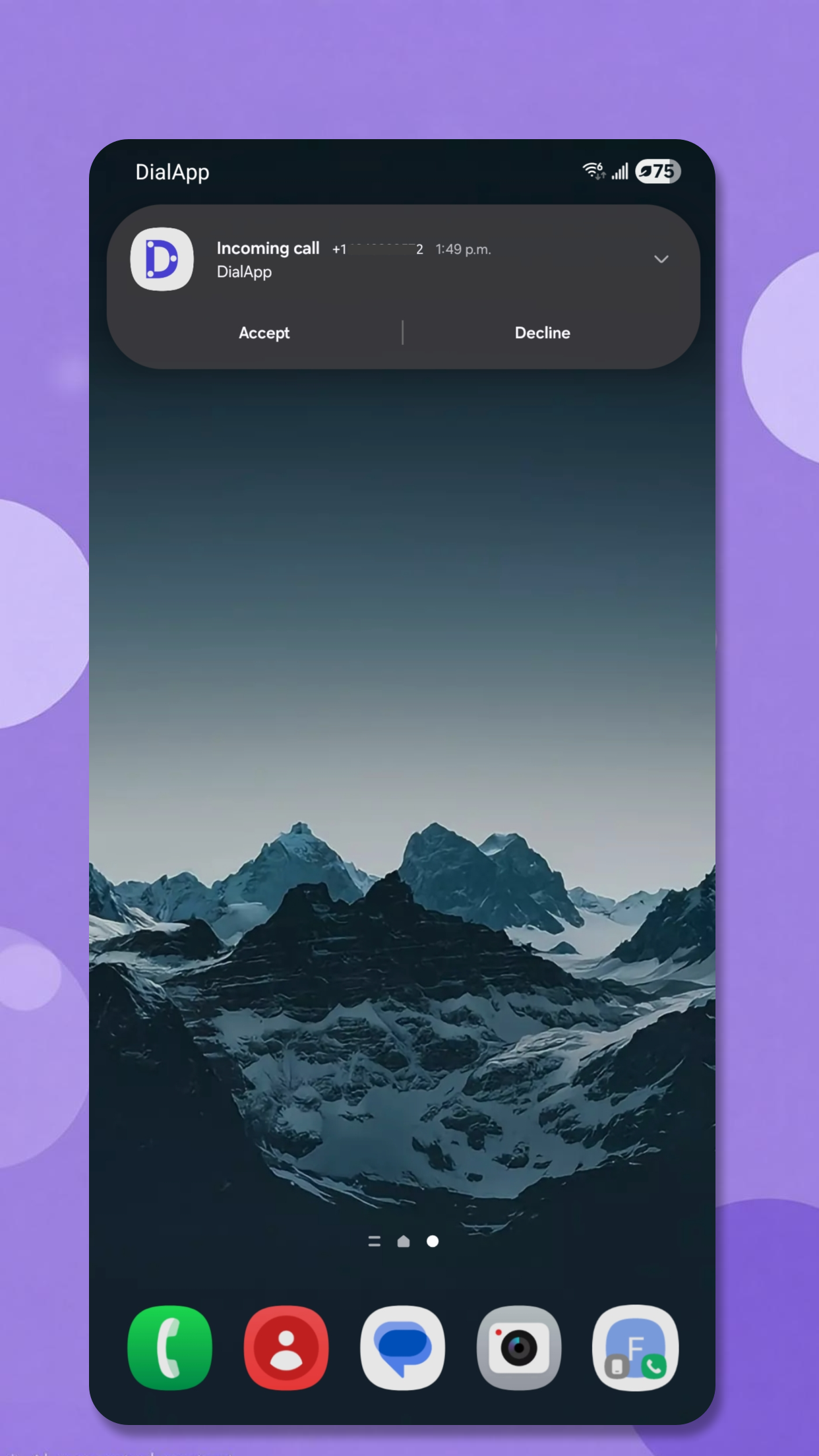
Agent Incoming Calls
When a caller requests to speak with a live agent, the DialApp Agent app receives the call instantly. Agents can answer, transfer, or manage calls directly from their mobile device.
6
Conversation History & Call Modal
View the full conversation history for each call flow in real time. Agents can review previous interactions during a call, ensuring they are fully prepared to assist the caller.